
Load your photos to Watermark Software
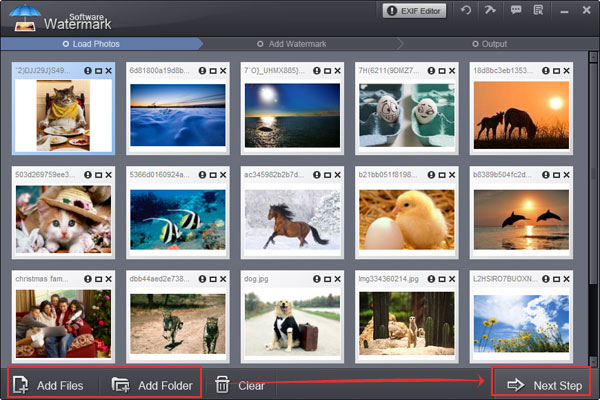
Step1. Click "Next Step" to the editing window, then click "Frame" tag to add and edit frame.
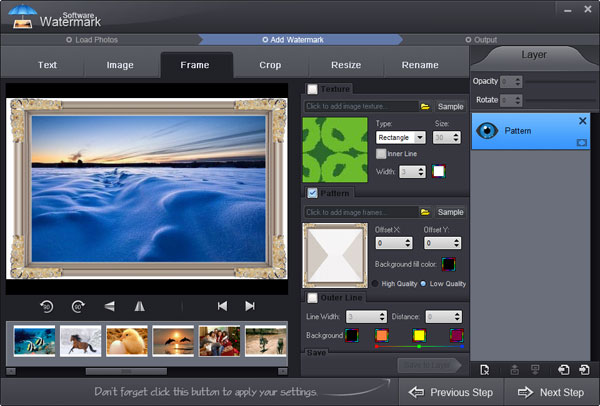
Step2. We provide three frame modes "Texture" , "Pattern" and "Outer line"..
Texture: Texture comprises three modes, "Rectangle" , "Ellipse" and "Diamond". You can adjust their size, inner line and opacity with a few clicks.
Pattern: Pattern is the off-the-shelf frame you can apply directly. You can also adjust its offset ,background color, opacity, etc. quickly.
Outer Line: Outer line is wire-frame, you can adjust its line width, frame width and color if need.
Tips: On the "Texture" area, click "Sample" button to find free material you need.
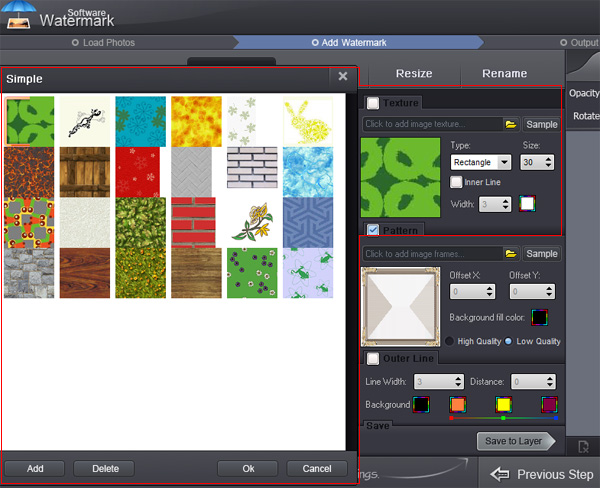
On the "Pattern" area, click "Sample" button to apply free pattern material you need.
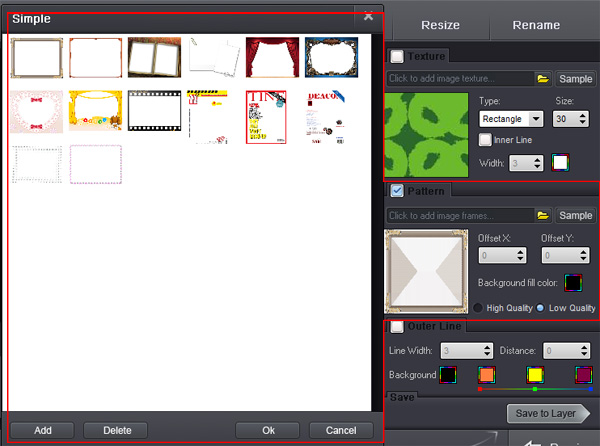
You can create more than one layer to apply texture, pattern and outliner separately to images at same time.
Previous: How to add second (or more) watermark?
Next: How to crop photo?



Watermark Software Tips
Use picture watermark to protect picture
Use text watermark protect your photo
A great watermark creator, create watermark to your photos
Choose a proper watermarking software
Create watermark to photos protect copyright is very popular
Protect image copyright when you upload photo on internet
Choose a photo watermark software for picture protection
Use photo watermark protect photos
Watermark image to protect your photo copyright
Add Watermark Graphics to Photos
Add image watermark for your photo
Watermark picture with image, text and logo
Batch watermark photos to save your time
The digital watermarking also as simply watermarking
Convert video to GIF image format
Watermark your photos to protect your photo's copyright
How to Add Text to GIF in an Easier Way
Discourage theft images add copyright watermark in images
We add watermark means put watermark info into photos
A lot of people are learning how to watermark photos
Make photo web more attractive by insert watermark to them
Do you want to make watermark for your photos
Image protection becomes more and more important
Other Tips